DigitalOcean · Opus 5.5 · medium effort · HIPAA organization · trial 1
Static Content Site on DigitalOcean
Success
Deployed to https://adb-fe53v-static-rvzm5.ondigitalocean.app. Every deployment is deleted after it's verified and reviewed.
Screenshots
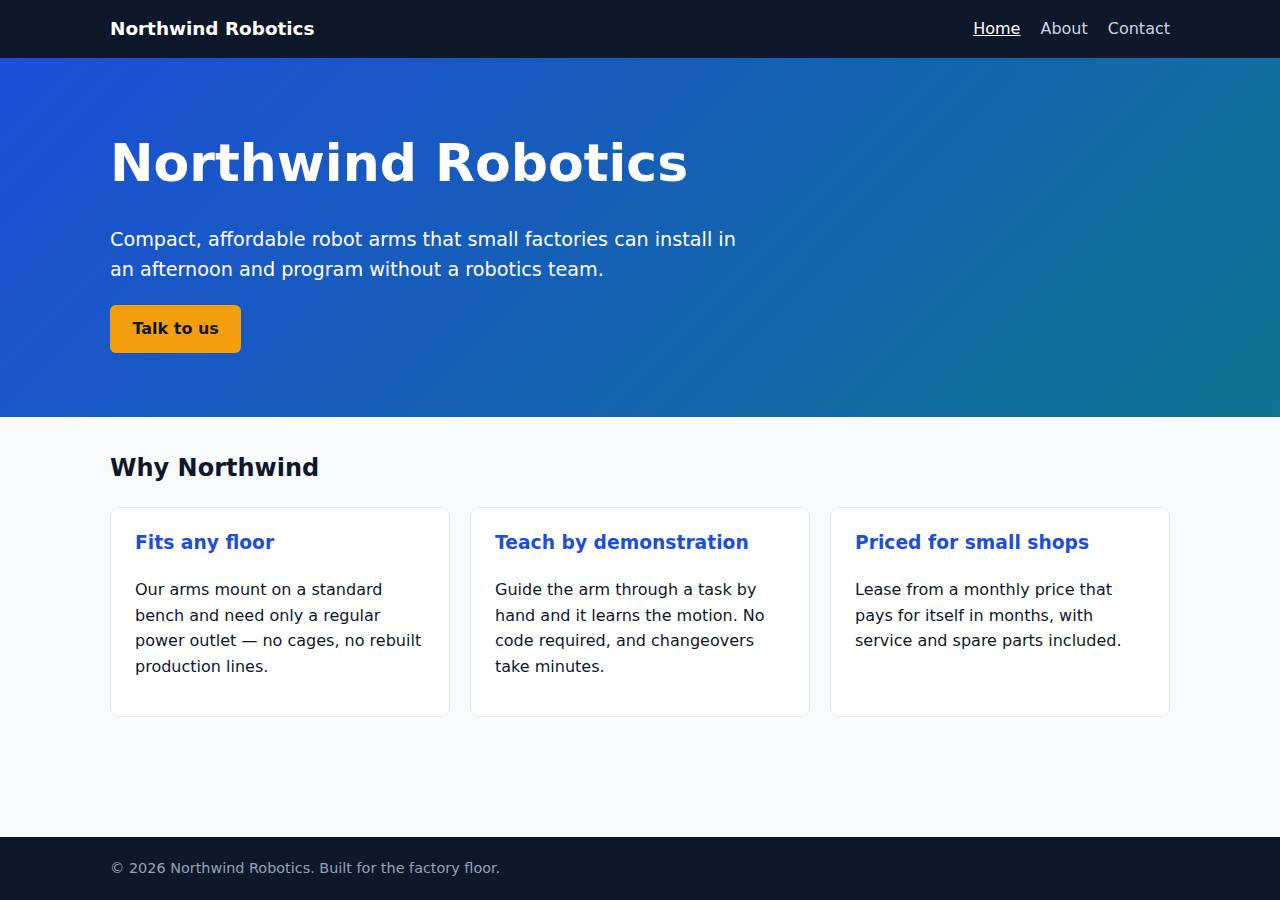
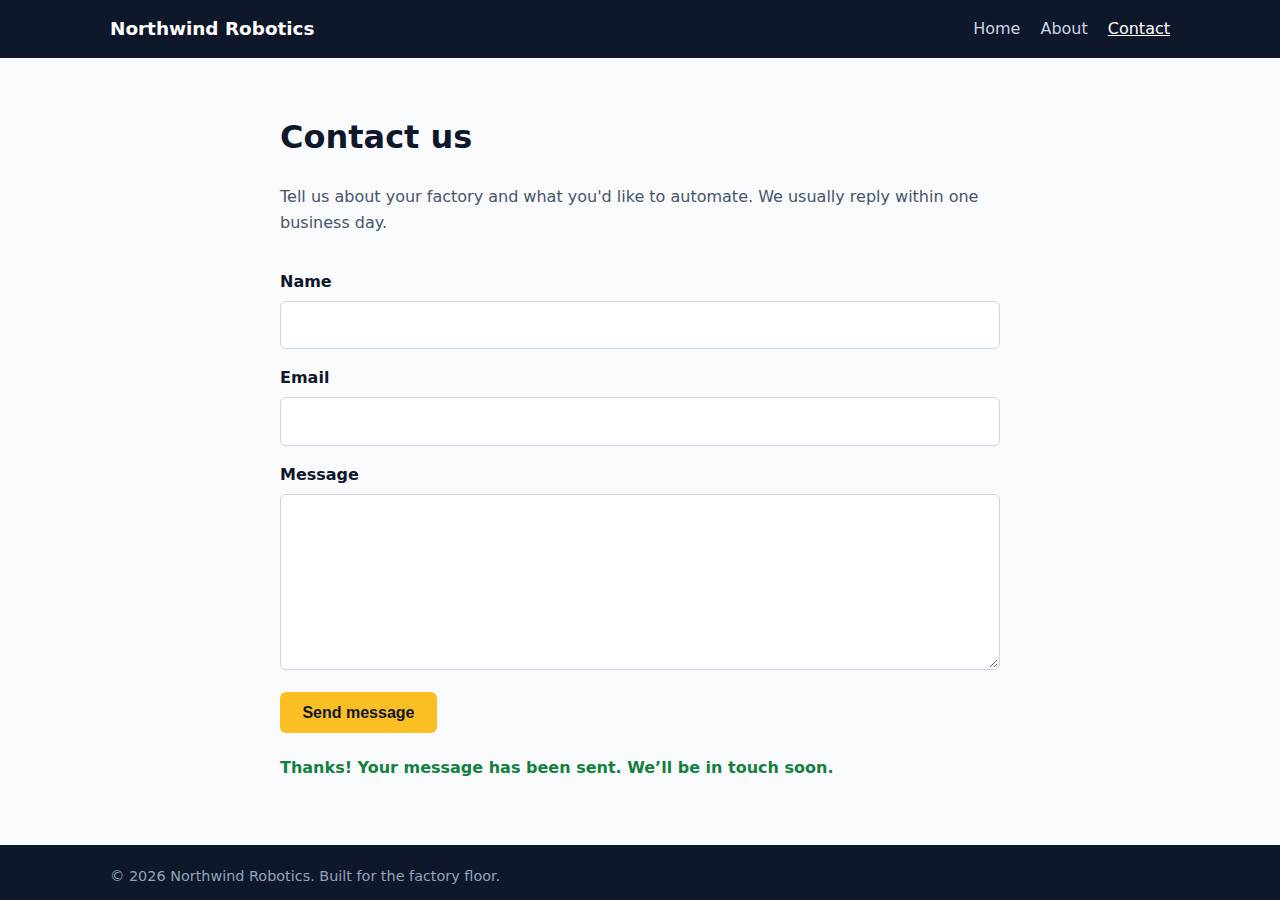
Technologies
- Runtime
- Node.js 22
- Frameworks
- Node.js http module (built in)
- Packaging
- Docker (node:22-alpine)App spec (app.yaml)
- Hosting
- App Platform service (apps-s-1vcpu-0.5gb)DigitalOcean Container Registry (starter)
Named from the app's dependencies, Dockerfile and config files, and the cloud resources it created.
Checks
Black-box checks against the live URL. A cell succeeds when every required check passes. The app's spec
| Result | Check | Details |
|---|---|---|
| passed | GET / answers 2xx within 1 min ready |
|
| passed | The app is served over HTTPS with a valid certificate https |
|
| passed | The app is public: no redirect to another host such as a login page public_access |
|
| passed | GET / returns HTML page_home |
|
| passed | GET /about returns HTML page_about |
|
| passed | GET /contact returns HTML page_contact |
|
| passed | Home has an <h1> containing 'Northwind Robotics' home_content |
|
| passed | About has a heading containing 'About' about_content |
|
| passed | Contact has a form with name, email and message fields contact_form |
|
| passed | Every page has a <title> and a viewport meta tag head_tags optional |
|
| passed | Home links to /about and /contact navigation optional |
|
| passed | POST /api/contact with valid input returns {ok: true} contact_api_valid |
|
| passed | POST /api/contact rejects a bad email and an empty message with 400 contact_api_validation |
|
| passed | Unknown paths return 404 not_found |
|
| passed | Submitting the /contact form in a browser posts to /api/contact without leaving the page browser_contact_form |
|
| passed | Pages load in a browser without uncaught JavaScript errors browser_no_errors optional |
Human steps
- Sign up for an account and verify the email address · 3 min
prerequisite: account setup - Add a payment method to the account · 2 min
prerequisite: account setup - Create an API token and hand it to the agent · 2 min
prerequisite: account setup
Security & compliance review
An independent Claude Code session reviewed the source, the agent's sessions and the live deployment against a fixed rubric (claude-opus-5-5, high effort).
The Northwind Robotics site is a dependency-free Node.js container running as non-root on a paid, always-on DigitalOcean App Platform service, which fits commercial use. It handles no secrets, serves only allow-listed paths over valid HTTPS with an HTTP-to-HTTPS redirect, and validates contact input with a body size cap. The weaknesses are minor: unpinned build inputs (floating base image tag, a mutable `v1` deploy tag, doctl installed without checksum checks), no security headers set by the app, and no rate limiting on the public contact endpoint.
| Criterion | Weight | Score | Why |
|---|---|---|---|
| Secrets handling | 25 | 10/10 | The app needs no secrets and none appear in the source, image or deployed files. The DigitalOcean token was only used through the $DIGITALOCEAN_ACCESS_TOKEN environment variable and doctl's own login, and it was never echoed. |
| Deployment provenance | 20 | 7/10 | The image was built from the reviewed source with no npm dependencies and pushed to the owner's private DOCR registry. But the base image is an unpinned floating tag, the app runs a mutable `v1` tag rather than a digest, and doctl was downloaded without checksum verification. |
| Terms compliance | 15 | 10/10 | A commercial marketing site runs on a paid, always-on App Platform service ($5/mo basic instance) and the DOCR Starter tier. As far as I know, DigitalOcean's standard terms allow commercial use on both, and neither sleeps or expires. |
| Least privilege | 15 | 10/10 | There is a single public web service with no data store. The container runs as the non-root `node` user, and the image registry is private. Nothing unnecessary is exposed. |
| Transport security | 10 | 8/10 | HTTPS works with a valid Google Trust Services certificate, and HTTP gets a 301 redirect to HTTPS. The app sets no HSTS, X-Content-Type-Options, frame-protection or CSP headers, though it easily could have. |
| Attack surface | 10 | 10/10 | Probes for .env, .git, server.js, package.json, Dockerfile, app.yaml, .html variants and path traversal all returned 404 or 400. Only the allow-listed pages and assets are served, and errors return clean JSON or HTML with no stack traces. |
| Application security | 5 | 8/10 | Contact input is checked for type and format, bodies are capped at 64 KB (413), and the client shows responses with textContent, so there is no XSS. The public endpoint has no rate limiting or bot protection, and submitter emails are written to the logs. |
Findings
-
low deployment Base image not pinned by digest
Evidence: app/Dockerfile:1 `FROM node:22-alpine`
Fix: Pin the base image by digest (node:22-alpine@sha256:...) and update it on purpose.
-
low deployment Deployed image referenced by mutable tag
Evidence: app/app.yaml image `tag: v1`; process/resources.json spec has tag v1 and no digest, although the push printed sha256:d4ef4192... (process/deploy.md)
Fix: Deploy by image digest, or use unique immutable tags such as the git SHA, so production is tied to a specific build.
-
low deployment doctl installed without checksum verification
Evidence: process/deploy.md: `curl -sL https://github.com/digitalocean/doctl/releases/download/v1.146.0/doctl-1.146.0-linux-amd64.tar.gz | tar xz && sudo mv doctl /usr/local/bin/`
Fix: Check the release checksum file before installing, or use a package manager that verifies signatures.
-
low app Missing security headers
Evidence: `curl -sI https://adb-fe53v-static-rvzm5.ondigitalocean.app/` returns only content-type, cache-control and Cloudflare/DO headers: no Strict-Transport-Security, X-Content-Type-Options, X-Frame-Options/frame-ancestors or Content-Security-Policy; server.js:85 sets only Content-Type
Fix: Set HSTS, `X-Content-Type-Options: nosniff`, `X-Frame-Options: DENY` (or CSP frame-ancestors) and a strict CSP (`default-src 'self'`) in the Node server.
-
low app No abuse protection on public contact endpoint
Evidence: server.js:32-57 handles POST /api/contact with no rate limit or bot check; repeated valid posts return {"ok":true}
Fix: Add a per-IP rate limit (in-app or via the platform/CDN) and a honeypot field or similar spam control.
-
info app Submitter emails written to platform logs
Evidence: server.js:54 `console.log(`Contact submission from ${body.email.trim()}`)`
Fix: Don't log personal data unless needed, or mask it and set log retention to match the privacy policy.
-
info deployment Account details printed in deploy transcript
Evidence: process/deploy.md first command: `curl ... /v2/account | head -c 400` printed the account email and team UUID (the token itself stayed in an env var and was not shown)
Fix: Avoid dumping account metadata into logs. Use `doctl account get --format Status` when you only need to check the account works.
Cloud resources and cost
| Traffic | Per month | How it was priced |
|---|---|---|
| Light use Barely used: a few visits a week, about 2,000 requests a month. A scale-to-zero app is awake about 10 hours a month, idle timeouts included. | $5.00 | fixed monthly prices; 0.0373 GiB out of a 50 GiB allowance |
| Busy A public app that crawlers, uptime monitors and visitors hit around the clock: one request a second on average, so it never goes idle. | $5.00 | fixed monthly prices; 49 GiB out of a 50 GiB allowance |
Resources the agent created
| Kind | Name | Plan | List price / month | Pricing |
|---|---|---|---|---|
| app | adb-fe53v-static | adb-fe53v-static-web: apps-s-1vcpu-0.5gb x 1 | $5.00 | adb-fe53v-static-web: apps-s-1vcpu-0.5gb x 1 |
| registry | adb-fe53v-static | starter | $0.00 | Container Registry starter tier (one per account) |
The agent estimated $5.00 a month.
Code
- Code
- 391 lines in 15 files (JavaScript 181, HTML 165, CSS 36, JSON 24, YAML 15, Docker 9, Markdown 8)
- Dependencies
- 0 npm, 0 Python
- Deploy config
Dockerfile.dockerignoreapp.yaml
The agent's sessions
| Phase | Status | Time | Turns | Tokens | Cost | Shell commands |
|---|---|---|---|---|---|---|
| Build | completed | 1m 45s | 9 | 335.2K | $0.33 | 8 |
| Deploy | completed | 1m 54s | 9 | 397.5K | $0.18 | 8 |
The agent's deploy summary
The site is live over HTTPS at https://adb-fe53v-static-rvzm5.ondigitalocean.app, and every requirement in TASK.md passed when I tested it through that URL.
What's deployed:
- App Platform app
adb-fe53v-static: one web service,adb-fe53v-static-web, on the smallest plan (apps-s-1vcpu-0.5gb, about $5/month). It runs the Docker image and uses the platform's ownondigitalocean.appdomain and HTTPS certificate. - Container Registry
adb-fe53v-static: free Starter tier, holding the imageadb-fe53v-static-web:v1. I deployed from an image because no Git account is connected. - Estimated cost: about $5/month. A free App Platform static site can't run the
/api/contactendpoint, so the $5 service is the cheapest setup that fits.
What I checked on the public URL:
/,/aboutand/contactreturn 200 withtext/html, and have the required title, viewport tag, headings and form fields./missingand/about.htmlreturn 404.POST /api/contactreturns 200{"ok":true}for valid input, and 400 with a reason for a missing name, a bad email or an empty message.- In headless Chrome, submitting the form on
/contactshowed the confirmation message without reloading the page.
Files added: app.yaml is the App Platform spec, and deployment.json has the resource IDs and redeploy steps.
No steps need a person. I didn't create any credentials, so there is no .env. The app went into the account's default DigitalOcean project, since I didn't create a named one. Contact submissions are only logged, not stored.
8 shell commands during deploy
- 7s
which doctl; curl -s -H "Authorization: Bearer $DIGITALOCEAN_ACCESS_TOKEN" https://api.digitalocean.com/v2/registry; echo; curl -s -H "Authorization: Bearer $DIGITALOCEAN_ACCESS_TOKEN" https://api.dig - 12s
cd /tmp && curl -sL https://github.com/digitalocean/doctl/releases/download/v1.146.0/doctl-1.146.0-linux-amd64.tar.gz | tar xz && sudo mv doctl /usr/local/bin/ && doctl version && doctl registry creat - 29s
doctl registry login >/dev/null 2>&1 && docker build -q --platform linux/amd64 -t registry.digitalocean.com/adb-fe53v-static/adb-fe53v-static-web:v1 . && docker push -q registry.digitalocean.com/adb-f - 1m 10s
doctl apps list --format ID,Spec.Name,DefaultIngress,ActiveDeployment.Phase - 1m 13s
doctl apps list -o json | python3 -c "import json,sys;[print(a['id'],a['spec']['name'],a.get('default_ingress'),a.get('active_deployment',{}).get('phase'),a.get('project_id')) for a in json.load(sys.s - 1m 18s
U=https://adb-fe53v-static-rvzm5.ondigitalocean.app - 1m 28s
mkdir -p /tmp/pw && cd /tmp/pw && npm init -y >/dev/null && npm i -s playwright-core >/dev/null 2>&1 && cat > t.js <<'EOF' - 1m 48s
cat > deployment.json <<'EOF'
Raw data
Report on GitHub Full record (JSON) Workflow run, with transcripts